

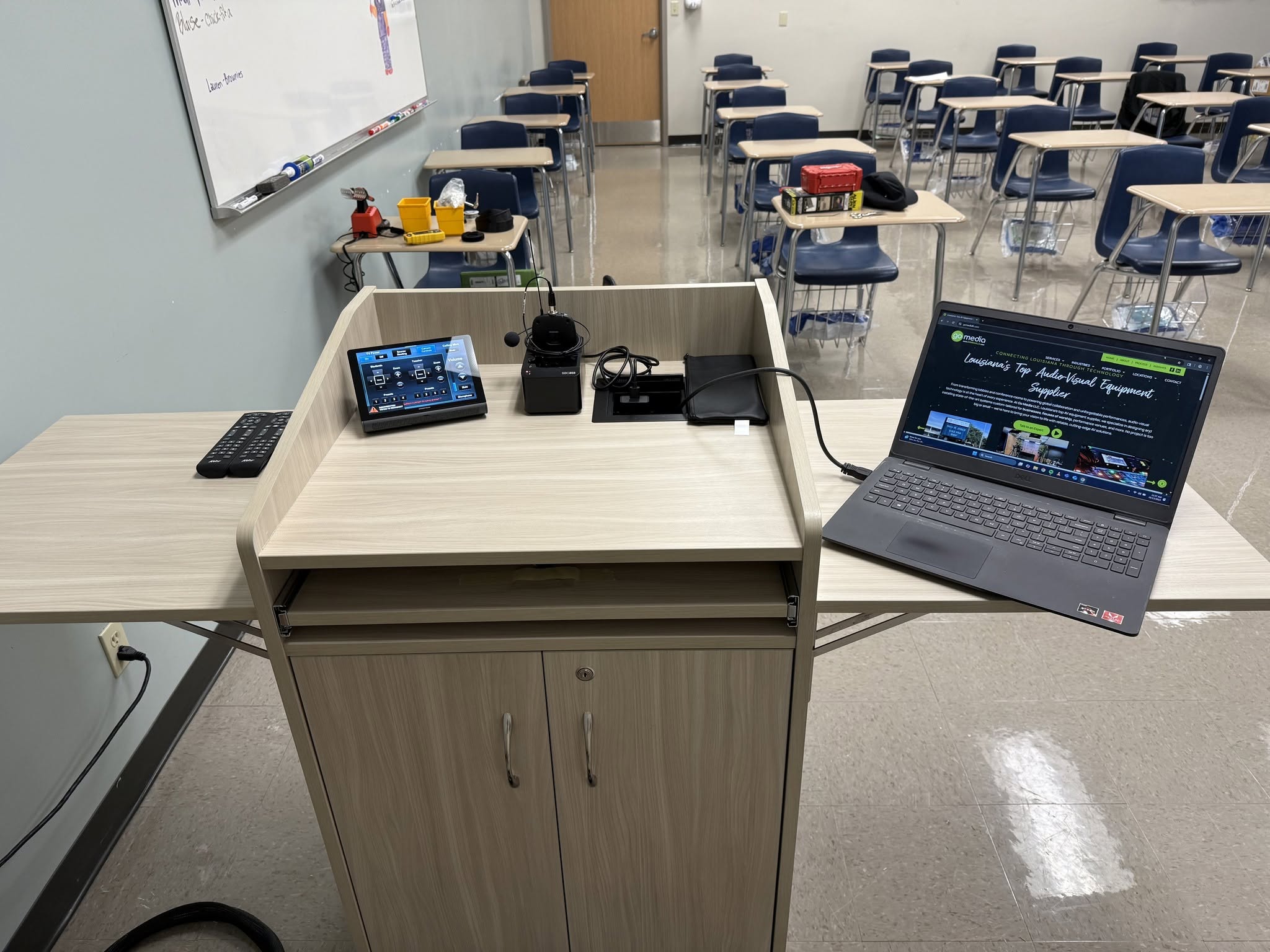
Modern meeting rooms and classrooms are built for collaboration, but outdated or complicated technology can quickly get in the way.
A meeting starts late because someone cannot find the right adapter. A guest presenter struggles to connect to the display. A teacher loses valuable class time troubleshooting cables instead of teaching. These small technology issues can interrupt communication, slow down productivity, and create frustration for everyone in the room.
Wireless presentation systems help solve these problems by allowing users to share content from laptops, tablets, and mobile devices without relying on physical cables. For businesses, schools, universities, government facilities, and training environments, wireless sharing has become an essential part of a modern AV system.
At Go Media LLC, we help organizations design and install reliable AV systems that make communication easier. Whether you are upgrading a single conference room or standardizing technology across multiple classrooms, choosing the right wireless presentation solution starts with understanding how the space will actually be used.
What Is a Wireless Presentation System?
A wireless presentation system allows users to share content from their device to a room display without plugging in an HDMI cable or using a physical adapter.
Depending on the system, users may be able to present from a laptop, tablet, smartphone, or browser-based application. Some platforms also support multi-user sharing, guest access, video conferencing integration, and centralized management for IT teams.
These systems are commonly used in:
- Conference rooms
- Boardrooms
- Training rooms
- K-12 classrooms
- Higher education lecture halls
- Government meeting spaces
- Corporate campuses
- Collaborative workspaces
For organizations investing in corporate AV solutions or education AV systems, wireless presentation technology can help create a smoother, more flexible experience for everyday users.
Why Wireless Presentation Systems Matter
The goal of a wireless presentation system is simple: make it easier for people to share information.
In a conference room, that may mean helping employees, executives, and guests quickly connect to a display during meetings. In a classroom, it may mean giving teachers or students a faster way to share lesson materials, presentations, or collaborative content.
The right system can help reduce:
- Meeting delays caused by missing adapters or cables
- IT support requests for basic room connection issues
- Wear and tear on physical ports and cables
- Confusion for guest presenters
- Classroom disruptions caused by technology problems
Wireless presentation also supports the way many organizations work today. With hybrid meetings, BYOD workflows, mobile devices, and flexible learning environments, users expect technology to be fast, intuitive, and reliable.
What to Consider Before Choosing a Wireless Presentation System
Before comparing specific products, it is important to identify your organization’s priorities. The best wireless presentation system is not always the one with the longest feature list. It is the one that fits your users, your network, your support team, and your long-term AV goals.
Key factors to consider include:
- Ease of use
- Device compatibility
- Guest access
- Network security
- Video conferencing integration
- Centralized management
- Room size and display layout
- Long-term standardization
A small executive boardroom may need a very simple guest-friendly workflow. A school district may need a consistent solution across multiple campuses. A corporate headquarters may need centralized management, security controls, and integration with existing meeting room technology.
This is why wireless presentation systems should be chosen as part of the larger AV environment, not as a standalone device.
Ease of Use
Ease of use is one of the most important factors when selecting a wireless presentation solution.
If the system is confusing, users will avoid it or call IT for help every time they need to present. A strong wireless presentation system should make it clear how to connect, share, and disconnect without requiring extensive training.
For client-facing spaces, boardrooms, and meeting rooms that host frequent visitors, the user experience is especially important. Guest presenters should be able to connect quickly without downloading complicated software or needing deep technical support.
Device Compatibility
Different organizations use different devices. Some teams rely on Windows laptops. Others use MacBooks, iPads, Chromebooks, or a mix of personal and company-owned devices.
Before choosing a wireless presentation system, confirm that it supports the devices your users actually bring into the room. This is especially important for schools, universities, and training facilities where students, instructors, and guests may use a wide range of devices.
For classrooms and learning environments, wireless presentation can also work alongside other technologies such as interactive displays, projectors, and classroom audio systems. Go Media helps schools and campuses design education AV solutions that support the way teachers and students use technology every day.
Guest Access
Guest access is another major consideration.
Many organizations need outside presenters, clients, vendors, or guest speakers to share content during meetings. A strong wireless presentation system should make guest access simple while still protecting the organization’s network.
Some systems offer dedicated buttons, temporary access options, browser-based sharing, or separate guest network workflows. The right choice depends on your IT policies and how often visitors use your meeting spaces.
Network Security
Wireless presentation systems connect to your technology environment, so security should never be an afterthought.
Before selecting a system, organizations should consider how the device will interact with the network, what access guests will have, and how IT teams will manage updates or permissions. This is especially important for enterprise environments, higher education, healthcare, financial organizations, and government facilities.
A properly designed AV system should balance convenience with security. Users need a simple way to present, but IT teams also need control over how devices connect and how the system is managed.
Conferencing Integration
Many meeting rooms now need more than screen sharing. They also need video conferencing support for platforms like Zoom and Microsoft Teams.
Some wireless presentation systems support BYOD conferencing, allowing users to connect their device and access the room’s camera, microphone, speakers, and display. This can be helpful in flexible meeting spaces where users need to join different conferencing platforms.
If your organization is upgrading conference rooms, it may be worth reviewing how wireless presentation fits into your larger meeting room setup. Go Media also helps businesses plan Zoom and Microsoft Teams conference room integration for more seamless hybrid meetings.
Centralized Management
For organizations with multiple rooms, centralized management can make a major difference.
A single wireless presentation device may be simple to manage manually. But when you have dozens of conference rooms, classrooms, or training spaces, IT and AV teams need a way to monitor devices, apply updates, troubleshoot issues, and maintain consistency.
Centralized management is especially important for:
- School districts
- Higher education campuses
- Corporate offices
- Government facilities
- Healthcare and training environments
- Multi-location organizations
Choosing a system that supports centralized control can reduce long-term support issues and make it easier to scale your AV environment over time.
Popular Wireless Presentation Systems
There are several strong wireless presentation platforms available today. Each one has its own strengths, and the right fit depends on your room type, user needs, IT requirements, and existing AV infrastructure.
Below are a few common options organizations may consider.
Barco ClickShare
Barco ClickShare is one of the most recognizable names in wireless presentation. It is known for its simple user experience and guest-friendly workflow.
ClickShare allows users to share content through dedicated USB buttons or software-based sharing tools. This makes it especially appealing for spaces where ease of use is the top priority.
Barco ClickShare is often a strong fit for:
- Executive boardrooms
- Conference rooms
- Client-facing meeting spaces
- Organizations that regularly host guest presenters
- Teams that prioritize a simple connection process
For businesses that want a polished, low-friction presentation experience, ClickShare can be a strong option.
Crestron AirMedia
Crestron AirMedia is a popular choice for organizations that want wireless presentation to integrate with a broader room technology ecosystem.
AirMedia supports wireless sharing, BYOD conferencing, and works especially well in environments already using Crestron control systems or Microsoft Teams Rooms. For organizations standardizing conference room technology, AirMedia can provide a more unified experience.
Crestron AirMedia is often a strong fit for:
- Corporate meeting spaces
- Enterprise environments
- Standardized room deployments
- Organizations already invested in Crestron technology
- Rooms that need presentation and conferencing flexibility
For larger organizations, AirMedia can be a good option when wireless presentation needs to work as part of a complete room system.
Extron ShareLink
Extron ShareLink is designed with reliability, consistency, and enterprise management in mind.
It integrates naturally with Extron AV systems and is commonly used in education, government, and corporate environments where centralized control and long-term standardization are important.
Extron ShareLink is often a strong fit for:
- Higher education campuses
- Government facilities
- Training rooms
- Enterprise AV deployments
- Organizations standardizing on Extron systems
For facilities that need dependable performance across multiple rooms, ShareLink can be a strong choice.
Kramer VIA
Kramer VIA focuses heavily on collaboration and flexibility.
Depending on the model, VIA systems may support multiple device types, multi-user sharing, and collaboration features that go beyond basic screen sharing. This can make Kramer VIA a good fit for classrooms, training spaces, and interactive meeting environments.
Kramer VIA is often a strong fit for:
- K-12 classrooms
- Training environments
- Collaborative meeting spaces
- Interactive learning environments
- Rooms where multiple users may need to share content
For organizations that want more collaborative functionality, VIA may offer tools that support more active participation.
Which Wireless Presentation System Is Right for Your Space?
There is no universal best wireless presentation system.
A university classroom may prioritize compatibility with student devices. A boardroom may focus on simplicity for executives and guest presenters. A corporate campus may need centralized management across dozens of rooms. A government facility may place a higher priority on security and standardization.
The right solution depends on your environment, including:
- Who will use the room
- What devices they will bring
- How often guests need access
- Whether the room also supports video conferencing
- How many rooms need to be managed
- What AV systems are already in place
- What level of network security is required
At Go Media, we work with multiple manufacturers because every customer has different goals, infrastructure requirements, and budgets. Our team designs, installs, and supports solutions from leading platforms including Crestron AirMedia, Extron ShareLink, Kramer VIA, and Barco ClickShare.
Why Standardization Matters
One mistake organizations often make is deploying different wireless presentation solutions across multiple rooms, buildings, or campuses.
While this may solve a short-term need, it can create long-term challenges. Different connection methods, interfaces, and management tools can confuse users and increase IT support requests.
Standardizing your wireless presentation technology can help improve:
- User adoption
- Training consistency
- IT support efficiency
- Room-to-room reliability
- Long-term maintenance
- Scalability across locations
Whether you are managing a school district, university campus, corporate office, or government facility, a consistent AV standard can make the technology easier to use and easier to support.
Wireless Presentation Systems for Classrooms
In classrooms, wireless presentation systems can help teachers move more freely, share content faster, and reduce time spent troubleshooting cables.
They can also support collaborative learning by allowing students or instructors to share content from their own devices. When paired with classroom displays, projectors, audio systems, or interactive technology, wireless presentation can become part of a more flexible teaching environment.
For schools and campuses, Go Media designs classroom and education AV systems that support real-world teaching needs, from individual classrooms to full campus deployments.
Wireless Presentation Systems for Meeting Rooms
In business environments, wireless presentation systems can make meetings more efficient and professional.
Employees can share content quickly, guest presenters can connect more easily, and hybrid meetings can run more smoothly when wireless sharing is integrated with the room’s conferencing technology.
For companies upgrading their meeting spaces, wireless presentation may be only one part of a larger AV system that includes displays, cameras, microphones, speakers, room control, video conferencing, and digital signage.
Go Media provides corporate AV solutions for businesses that need reliable, easy-to-use technology for conference rooms, boardrooms, training spaces, and multi-room deployments.
Planning Your Complete AV Environment
Wireless presentation systems work best when they are planned as part of the complete room experience.
For some spaces, the right solution may involve a simple wireless sharing device and a commercial display. For other spaces, the system may need to integrate with video conferencing equipment, room scheduling, control systems, audio, or a larger display solution like a video wall.
If your organization is also exploring large-format display technology, Go Media can help with Direct View LED video walls and other professional display solutions designed for conference rooms, campuses, venues, and public-facing spaces.
You can also view examples of completed work in the Go Media portfolio.
Final Thoughts
Wireless presentation technology has become an essential part of modern meeting rooms and learning environments. The right system can improve collaboration, reduce technical frustrations, and create a better experience for everyone using the space.
The key is choosing a solution that fits your users, your infrastructure, your security needs, and your long-term AV goals.
Whether you are planning a new conference room, upgrading classrooms, or standardizing technology across multiple locations, Go Media can help evaluate your options and implement a wireless presentation system that supports your organization today and well into the future.
Contact Go Media to discuss the best wireless presentation solution for your space, users, and infrastructure.
Frequently Asked Questions About Wireless Presentation Systems
What is the best wireless presentation system?
The best wireless presentation system depends on your room, users, devices, network requirements, and AV goals. Barco ClickShare, Crestron AirMedia, Extron ShareLink, and Kramer VIA are all strong options, but the right choice depends on how your organization uses the space.
Are wireless presentation systems good for classrooms?
Yes. Wireless presentation systems are a good fit for classrooms because they help teachers and students share content without relying on cables or adapters. They can also support more flexible and collaborative learning environments.
Can guests use a wireless presentation system?
Many wireless presentation systems support guest access, but the workflow varies by platform. Some use dedicated buttons, some use apps, and others offer browser-based sharing. Guest access should be planned around both ease of use and network security.
Do wireless presentation systems work with Zoom or Microsoft Teams?
Some wireless presentation systems support BYOD conferencing or can be integrated into a larger conference room AV system. If your meeting rooms use Zoom or Microsoft Teams, it is important to choose a solution that works with your room’s camera, microphone, speakers, and display.
Why should organizations standardize wireless presentation technology?
Standardization helps create a consistent user experience across multiple rooms or buildings. It can reduce training needs, simplify IT support, and make it easier to manage AV technology over time.